⏱ 4 min read

Sparrow is a free, open-source desktop Bitcoin wallet focused on **privacy**, **security**, and **transparency**. It lets you connect to your own node, use hardware wallets, and participate in CoinJoin. - See exactly what you are signing (UTXO-level detail) - Connect to your own Bitcoin node for full verification - Built-in support for Whirlpool CoinJoin - Works with Ledger, Trezor, Coldcard, BitBox, and more
Before you start

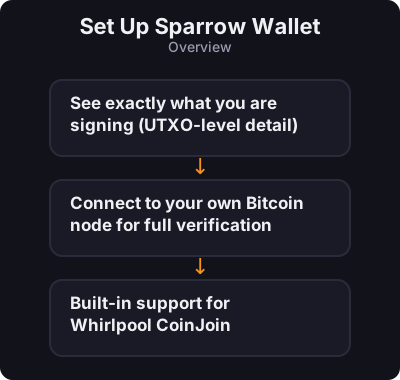
  • See exactly what you are signing (UTXO-level detail)
  • Connect to your own Bitcoin node for full verification
  • Built-in support for Whirlpool CoinJoin
  • Works with Ledger, Trezor, Coldcard, BitBox, and more
Set Up Sparrow Wallet
0 / 5
1
Step 1 / 5

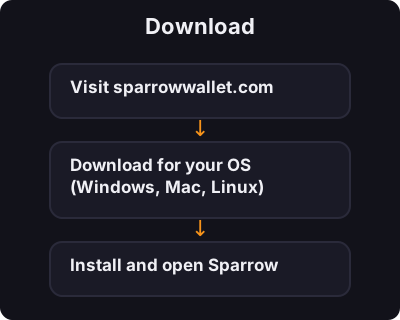
Download

Download
  1. Visit sparrowwallet.com
  2. Download for your OS (Windows, Mac, Linux)
  3. Install and open Sparrow
2
Step 2 / 5

Create a Wallet

Create a Wallet
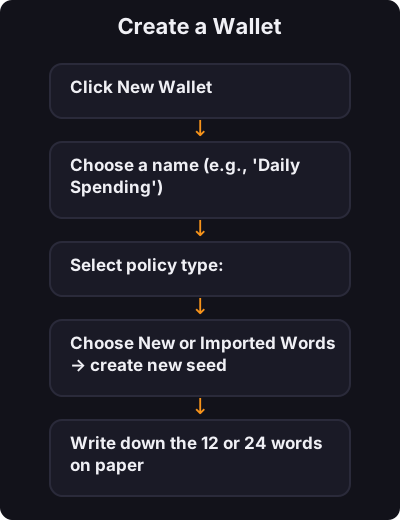
  1. Click New Wallet
  2. Choose a name (e.g., "Daily Spending")
  3. Select policy type:
    • Single Sig — one seed phrase (beginners start here)
    • Multi Sig — advanced, multiple keys required
  4. Choose New or Imported Words → create new seed
  5. Write down the 12 or 24 words on paper
  6. Set a wallet password
3
Step 3 / 5

Connect to the Network

Connect to the Network

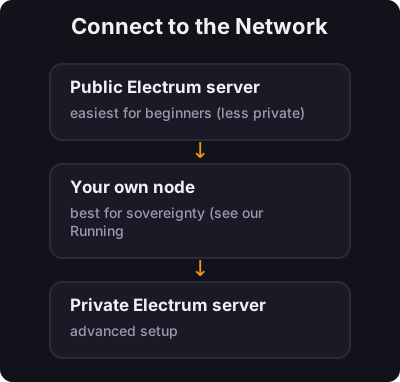
Sparrow asks how to connect:

  • Public Electrum server — easiest for beginners (less private)
  • Your own node — best for sovereignty (see our Running a Node course)
  • Private Electrum server — advanced setup
4
Step 4 / 5

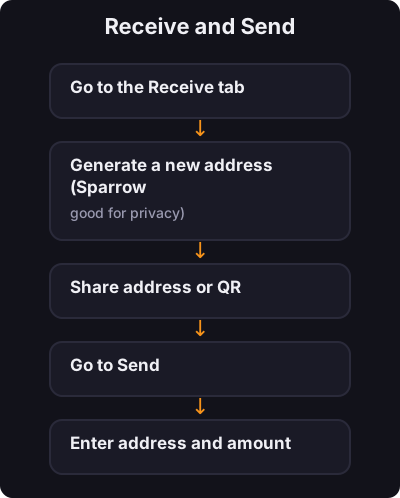
Receive and Send

Receive and Send

Receive:

  1. Go to the Receive tab
  2. Generate a new address (Sparrow encourages fresh addresses — good for privacy)
  3. Share address or QR

Send:

  1. Go to Send
  2. Enter address and amount
  3. Review the transaction details carefully
  4. Confirm
5
Step 5 / 5

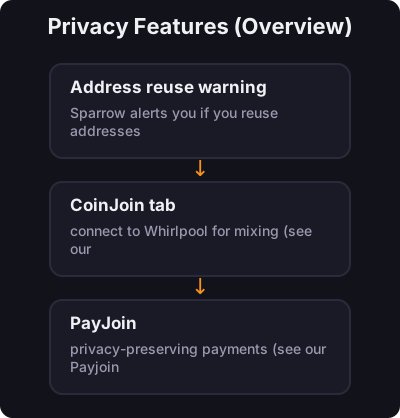
Privacy Features (Overview)

Privacy Features (Overview)
  • Address reuse warning — Sparrow alerts you if you reuse addresses
  • CoinJoin tab — connect to Whirlpool for mixing (see our CoinJoin tutorial)
  • PayJoin — privacy-preserving payments (see our Payjoin tutorial)

✅ Key takeaway

Sparrow is the wallet many serious Bitcoiners use on desktop. Start with single-sig, learn the interface, then explore node connection and privacy tools as you advance.

← Back to Tutorials